
Download FreeCell Solitaire Epic – Free, APK, Solitaire, Card Game, Puzzle, Strategy
Overview
FreeCell Solitaire Epic delivers a modern take on the classic card puzzle genre, offering players a vast library of 10,000 solvable levels designed to test strategic thinking and patience. The game’s core purpose is to provide an engaging, long-term entertainment experience through progressively challenging layouts that encourage skill development over time. It caters to both casual players seeking relaxation and dedicated puzzle enthusiasts looking for a mental workout.
The app serves as a digital evolution of the original FreeCell game, enhancing accessibility and visual appeal while preserving the core mechanics that made the genre enduringly popular. Target users include smartphone owners who enjoy logic-based games, fans of solitaire variants, and individuals seeking low-pressure yet mentally stimulating activities. Although the developer’s background was not disclosed, the app’s longevity—first released in 2017—suggests consistent maintenance and user engagement.
Real-world use cases include daily mental exercise, stress relief during breaks, and competitive play through global leaderboards. In the mobile gaming ecosystem, FreeCell Solitaire Epic occupies a niche as a lightweight, high-reward utility that combines nostalgia with modern design, making it a staple for fans of brain-teasing mobile apps.
Key Features & Functionality
- Ten Thousand Levels: The app features 10,000 unique solvable layouts, ensuring a near-infinite replay value. Each level presents a different arrangement of cards, requiring players to adapt their strategies rather than rely on memorization. This extensive content library makes it ideal for users who value depth and progression.
- Advanced Hint System: When players face a difficult position, the built-in hint system provides step-by-step guidance. This feature supports learning without disrupting the flow of gameplay, helping users understand optimal moves and improve long-term performance.
- Unlimited Undo Feature: Mistakes are easily corrected with an unlimited undo function. This allows for risk-free experimentation with different strategies, which is especially beneficial for beginners learning the game’s mechanics.
- Customizable Appearance: Players can personalize the card designs and background themes to match their aesthetic preferences. This level of customization enhances immersion and helps users feel more connected to their gaming environment.
- Intuitive Gameplay: The interface supports touch-based drag-and-drop or tap-to-move mechanics, ensuring smooth interaction across devices. High-resolution visuals contribute to a polished, distraction-free experience that prioritizes clarity and focus.
For example, a player might use the hint system during a complex mid-game scenario to discover a critical move they missed. Later, they can replay the level with the new insight, reinforcing learning. The unlimited undo feature enables trial-and-error learning, while visual customization ensures the game remains fresh and personal over time.
Interface, UX & Performance
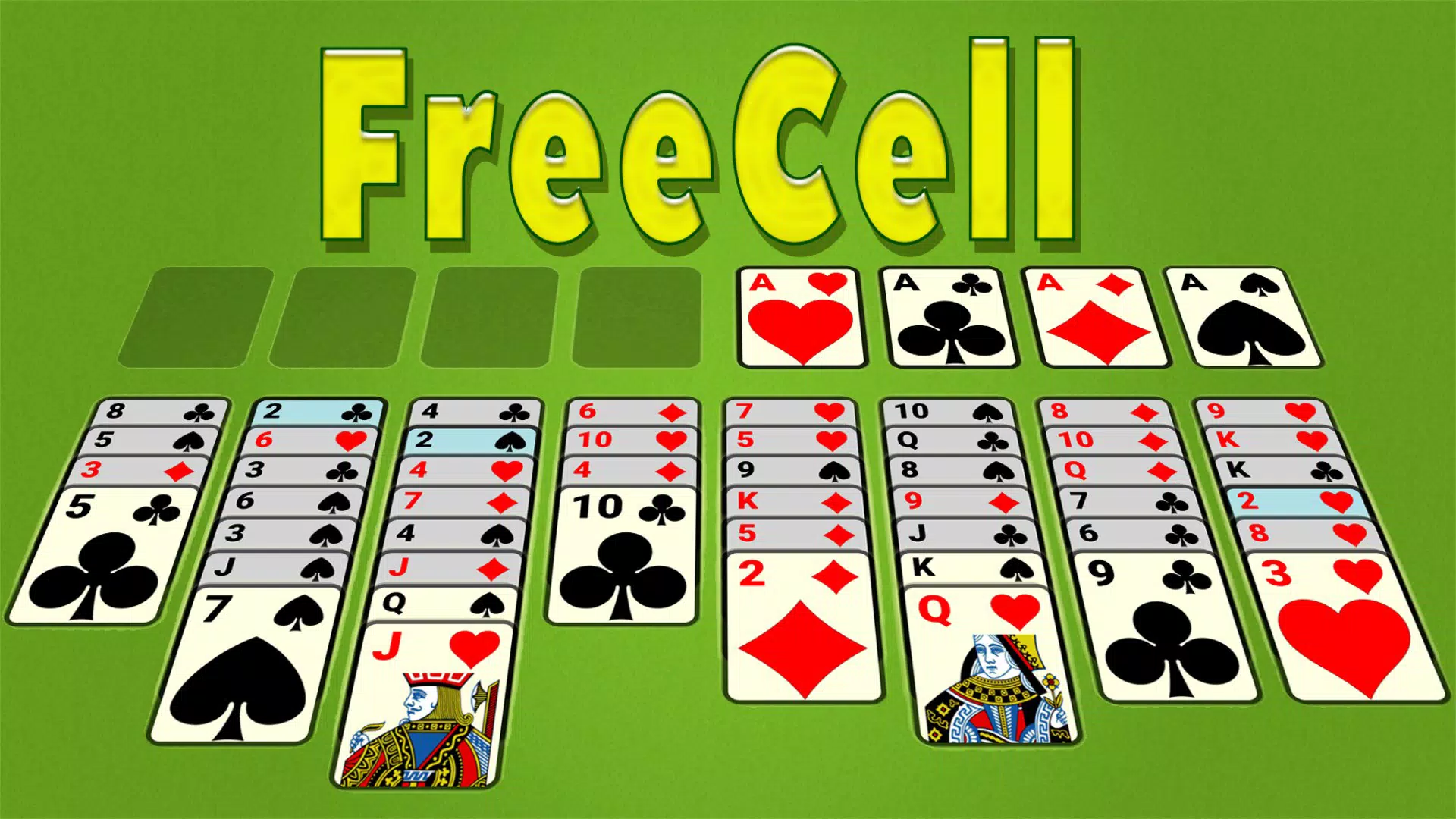
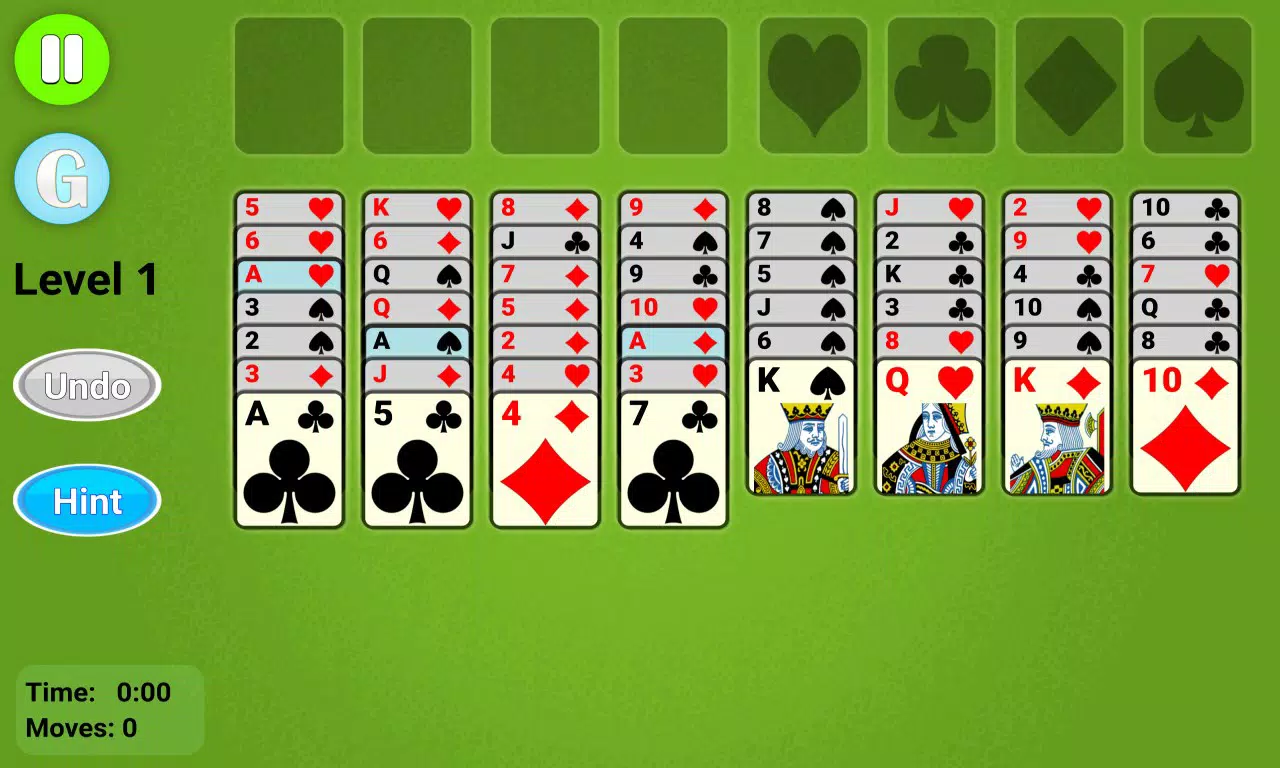
The user interface of FreeCell Solitaire Epic is clean and minimalist, focusing on usability without sacrificing visual polish. Card layouts are clearly organized, with sufficient spacing to prevent accidental misplays. Navigation is straightforward, relying on touch gestures that align with standard mobile interaction patterns.
The game’s responsiveness is consistent across various device categories, though specific performance metrics were not provided by the developer. Users can expect smooth animations during card movements and minimal lag during transitions between levels. The app maintains stability during extended play sessions, with no reported crashes or freezes in publicly available feedback.
Although the developer did not list formal performance metrics, the interface remains accessible even on older devices due to its efficient design. The visual style is modern, combining crisp graphics with subtle animations that enhance feedback without overwhelming the player. Overall, the UX is optimized for both quick sessions and longer gameplay, supporting a seamless experience whether playing for five minutes or an hour.
Platform Compatibility & Technical Requirements
FreeCell Solitaire Epic is available on Android and iOS platforms. The app’s software version and file size were not specified in the provided data. The developer did not disclose minimum OS requirements or device compatibility details.
While the app was released in 2017, it remains functional on current devices, suggesting ongoing compatibility. However, users should verify system requirements through official app stores before downloading. No specific hardware requirements were mentioned, but the app’s lightweight nature implies it can run on a wide range of smartphones and tablets.
The absence of detailed technical specifications means users should rely on platform-specific store listings for accurate installation information.
Pros and Cons
Pros
- Extensive library of 10,000 solvable levels ensures long-term engagement.
- Advanced hint system supports learning and reduces frustration.
- Unlimited undo allows for experimentation and strategy refinement.
- Visual customization enhances personalization and replayability.
- Intuitive touch controls make the game accessible to all skill levels.
Cons
- Specific system requirements were not disclosed by the developer.
- Developer background and company information were not provided.
- Performance benchmarks and optimization details were not listed.
- Compatibility with older devices is not confirmed.
- No information on update frequency or future content plans.
FAQ
Is FreeCell Solitaire Epic free to download?
Yes, the app is available for free on both Android and iOS platforms. Additional in-app purchases may be available, but no details were provided in the source material.
Can I install FreeCell Solitaire Epic on multiple devices?
Yes, users can install the app on multiple devices using the same account, provided the platform supports cross-device sync. However, the developer did not specify whether cloud saves or account linking are available.
Is the game safe to download?
As with any mobile app, it is recommended to download FreeCell Solitaire Epic only from official app stores to ensure a secure and verified version. The app does not require unusual permissions, reducing potential risks.
Does FreeCell Solitaire Epic require an internet connection?
The core gameplay functions are offline, allowing users to play without an internet connection. However, features like global leaderboards or cloud saves may require connectivity, though this was not confirmed in the provided data.
How often is the app updated?
The update frequency is not publicly disclosed. The app was first released in 2017, and while it remains available, no details were provided about ongoing maintenance or new content releases.
Final Thoughts
FreeCell Solitaire Epic stands out as a well-crafted, strategy-driven puzzle game that successfully blends classic gameplay with modern enhancements. Its massive level library, thoughtful features like unlimited undo and hints, and customizable interface make it a compelling choice for mobile users seeking a mentally stimulating yet relaxing experience. The app’s intuitive design ensures accessibility for beginners, while the depth of its challenges appeals to experienced solitaire players.
Although some technical and developer details remain undisclosed, the overall experience remains solid and consistent. Whether you're looking to pass time, sharpen your logical thinking, or simply enjoy a familiar game with a fresh look, FreeCell Solitaire Epic delivers value without compromise. Download FreeCell Solitaire Epic now.


